

String Handling
Key Concepts
Within APImetrics, it is possible to use advanced string handling functionality. to extract and manipulate strings in returned payloads.
String Handling in Returned Content
If you need to extract part of a returned value, you may take advantage of some filters that you can apply to a variable path using the the | operator.
Variable | Description | Parameters |
|---|---|---|
int | Convert value to an integer | NA |
length | Returns the length of a string | NA |
lower | Converts a value to lowercase | NA |
reverse | Reverses a string | NA |
round(precision=0,method='common') | Round the number to a given precision. | precision - numerical value |
upper | Converts a string to uppercase |
Example: Extracting a URL
Assuming a JSON response:
{
    "url": "https://www.example.com/some/path/to/something"
}
If you wanted to extract the path and make it uppercase, in the Conditions tab you would use the following expression:
url|replace('https://www.example.com', '')|upper
This will give the following result:
/SOME/PATH/TO/SOMETHING
Example: Extract an Element from a URL and Set a Variable
The API returns a variable "/abc/def/ghi" and you want to extract the middle part.
You want to extract it as path_to_var.replace("abc/", "")|replace("/ghi", "") if those values were hard coded. This just removes the abc/ and /ghi parts.
To handle this programmaticly, use the expression:
path_to_var.split("/")[1]
or
path_to_var.split("/").1
Underlying this is a Python string object, which has a split function available that converts it to a list of sub-strings. It is then possibly to get the second item in the list (i.e. position 1).
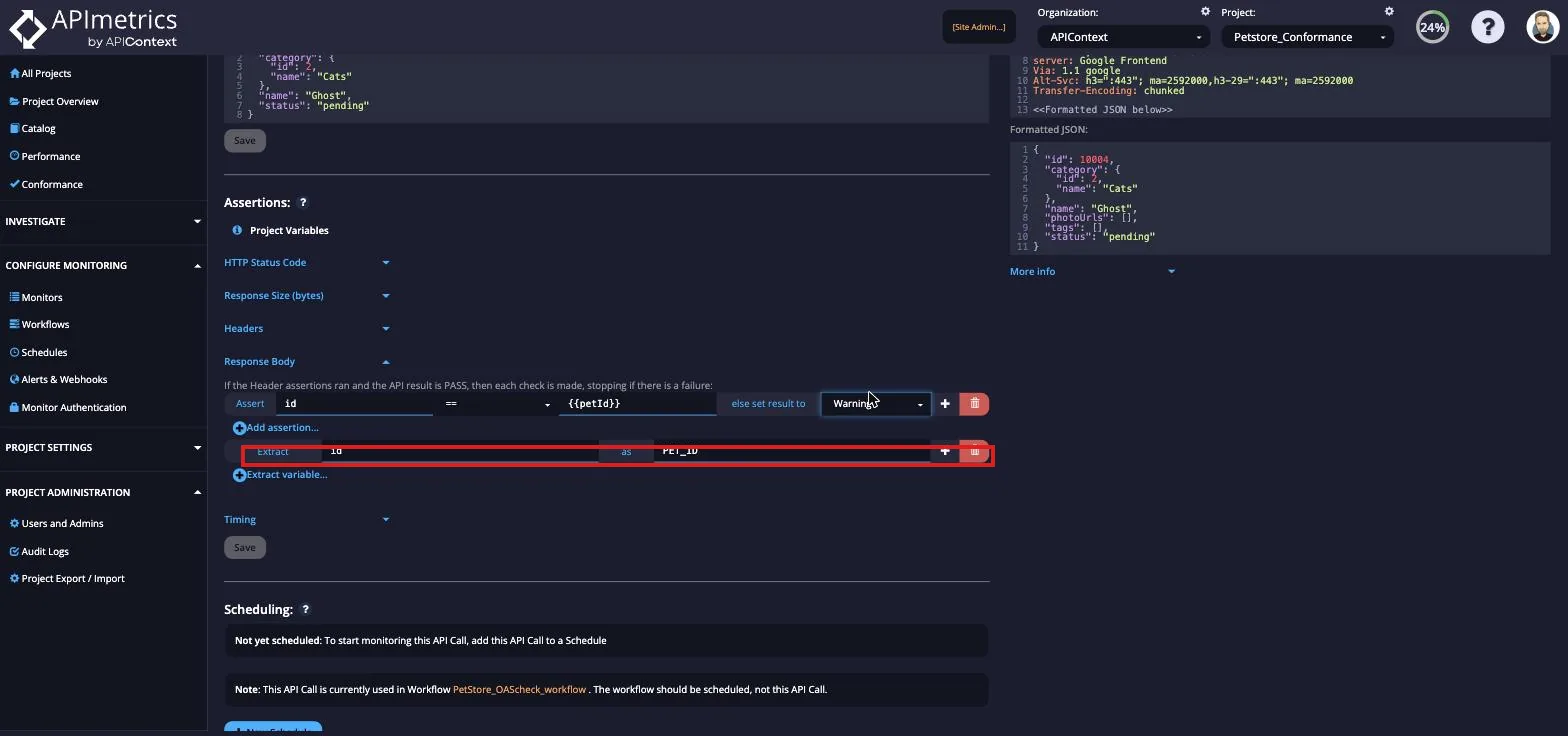
Passing variables between steps is what makes workflows simulate real business processes. Each step produces a full trace — see Workflows & Traces for the complete capability overview.